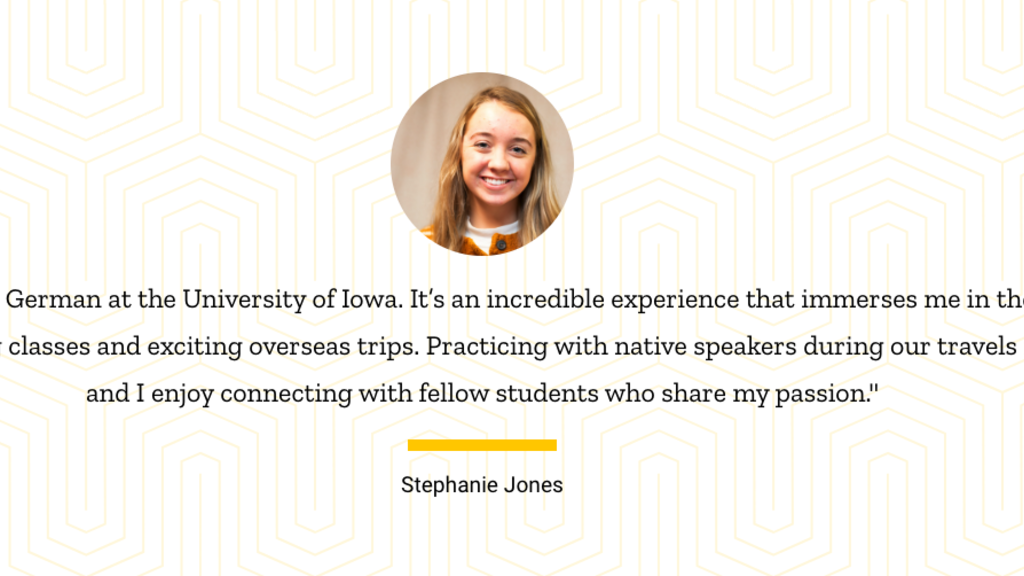
The Blockquote block lets you highlight a quote, testimonial, or excerpt from a person or source.
Content
Required. A rich text (Bold, Italic) field for the quoted text itself.
Note: Per APA guidelines, content within block quotes should not be surrounded by quotation marks.
Source
A rich text field for attributing the quote — typically the speaker's name and their title or organization. Displays below the quote content.
Citation
An optional link that can accompany the source — for example, linking out to the original speech, article, or press release the quote is drawn from.
- URL — Start typing to search for existing content on the site, or paste an external URL.
- Link text — The visible text for the citation link.
Image
Optional. Add a single image to display alongside the blockquote (one media item allowed per block).
Once an image is added, a Media Position field appears:
- Above Content — the image displays above the quote content
- Within Footer — the image displays alongside the source/citation footer
Display Options
- Content Alignment — Left (default), Center, or Right
- Margin — Remove default top margin (optional)
Block Restrictions
The Blockquote block is available in the following section layouts:
- One column
- Two column
- Three column
- Four column
- Page w/ left sidebar

Since his birth 60 years ago, Herky has symbolized intercollegiate athletics at the UI and epitomized University life in Iowa City.
Since his birth 60 years ago, Herky has symbolized intercollegiate athletics at the UI and epitomized University life in Iowa City.